
The main purpose of one computer communicating with another computer is to share information. Suppose two computers are located in different places and these two computers want to exchange information. Then when a computer sends the data, the data will reach the destination computer through many media.
There are some rules to ensure that the data can reach the destination without any problem while moving from the source to the destination. These rules are called protocols. And the model that has been created by combining these protocols is called OSI model. This model is determined by ISO.
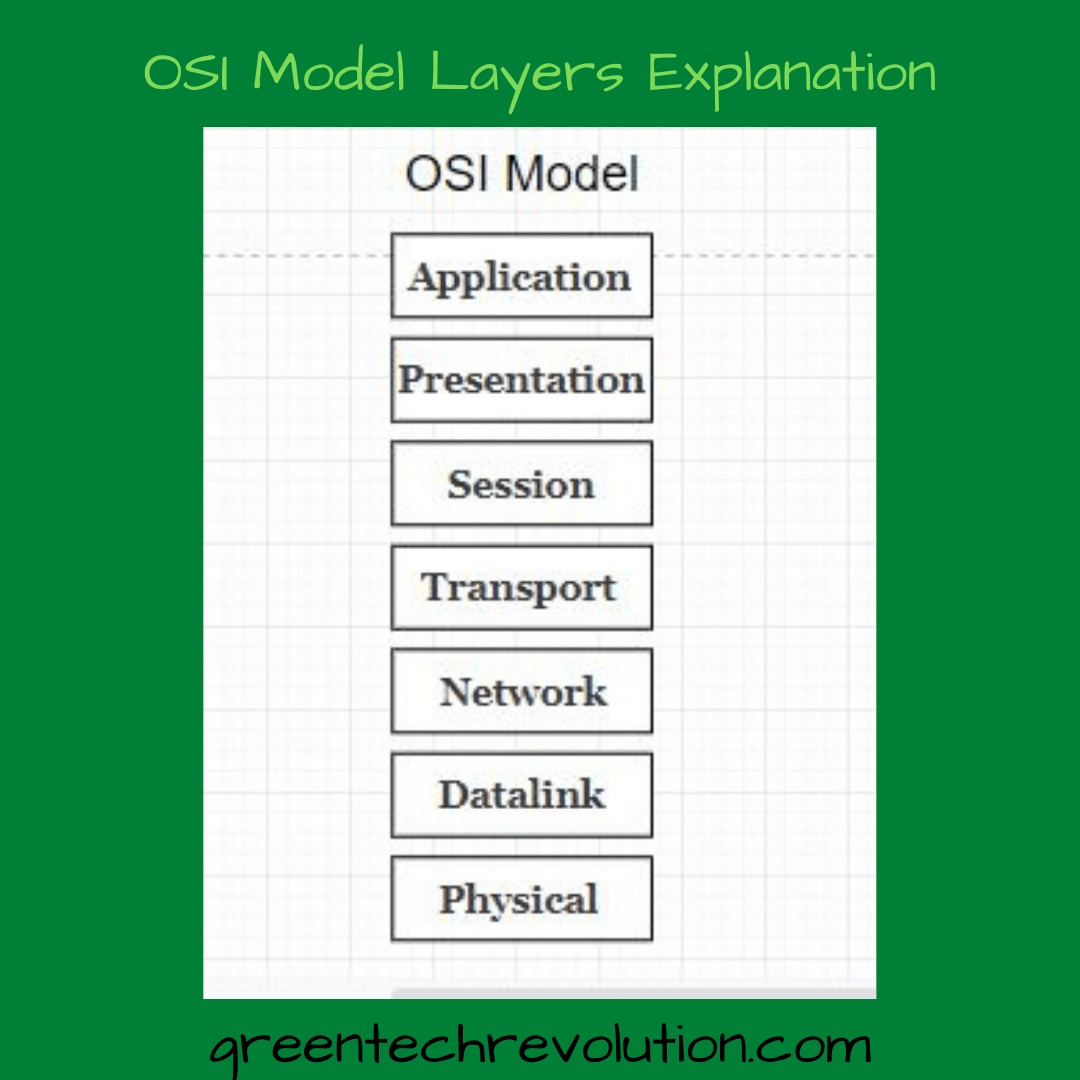
The OSI model is divided into seven layers. The levels are:

7. Application
6. Presentation
5. Session
4. Transport
3. Network
2. Datalink
1. Physical
7. Application layer:
This is the 7th layer of the OSI model. The application layer provides the user interface and processes the network data. The functions that the application layer does are resource sharing, remote file access, directory service, etc. The port addresses of some of the application layer protocols are given
Protocol : FTP =20/21, TFTP=69, Telnet = 23, DHCP= 7/8, DNS=53, Pop=110, IMAP= 143, SMTP=25, HTTP= 60
Try to remember the port numbers. Because CCNA tests usually have such questions, such as what is the port number of HTTP?
6. Presentation layer:
Presentation layer acts as a data translator for network services. The functions that this layer does are data conversion, data compression, decryption, etc. The data formats used in this layer are .jpg, .mpeg etc.
5. Session Layer:
The function of the session layer is to establish a connection between the source and the destination device, control that connection, and disconnect at the end as needed. Three types of controls are used to send data.
Simplex: In Simplex, data flows in one direction.
Half Duplex: In the Half Duplex system, when the data flow on one side ends, the data on the other side flows.
Full duplex: In full duplex method data can flow in both directions simultaneously.
4. Transport layer:
4th layer of the OSI model is the transport layer. The function of this layer is to ensure that the data received from the session layer is reliably transmitted to another device. There are two types of transmissions used to reach this layer of data:
A. Connection Oriented
Before sending data to Connection Oriented, the sender makes a connection with the subscriber via an acoustic signal. This happens in the case of TCT.
B. Connection less
The sender does not make a medium connection of the signal with the receiver before sending the data in connection less oriented. This happens in the case of UDP.
3. Network layer:
The job of the network layer is addressing and packet delivery. This layer adds the network address to the data packet through encapsulation. In this layer the router is used and the routing table is created.
2. Datalink layer:
This is the 2nd layer of OSI model. The function of the datalink layer is to transmit data from one device to another through the physical layer without any errors. This layer creates a logical link between the two devices. This layer converts the data into frames.
1. Physical layer:
The lowest layer of the OSI model is the physical layer. This layer determines in what way the signal will be transmitted from one device to another, what will be the electric signage or data bit format, etc. Data is transferred bit by bit in this layer. The devices used in this layer are hubs, switches etc.
Related Topic: What is Network? Basic Networking




Leave a Reply
You must be logged in to post a comment.