
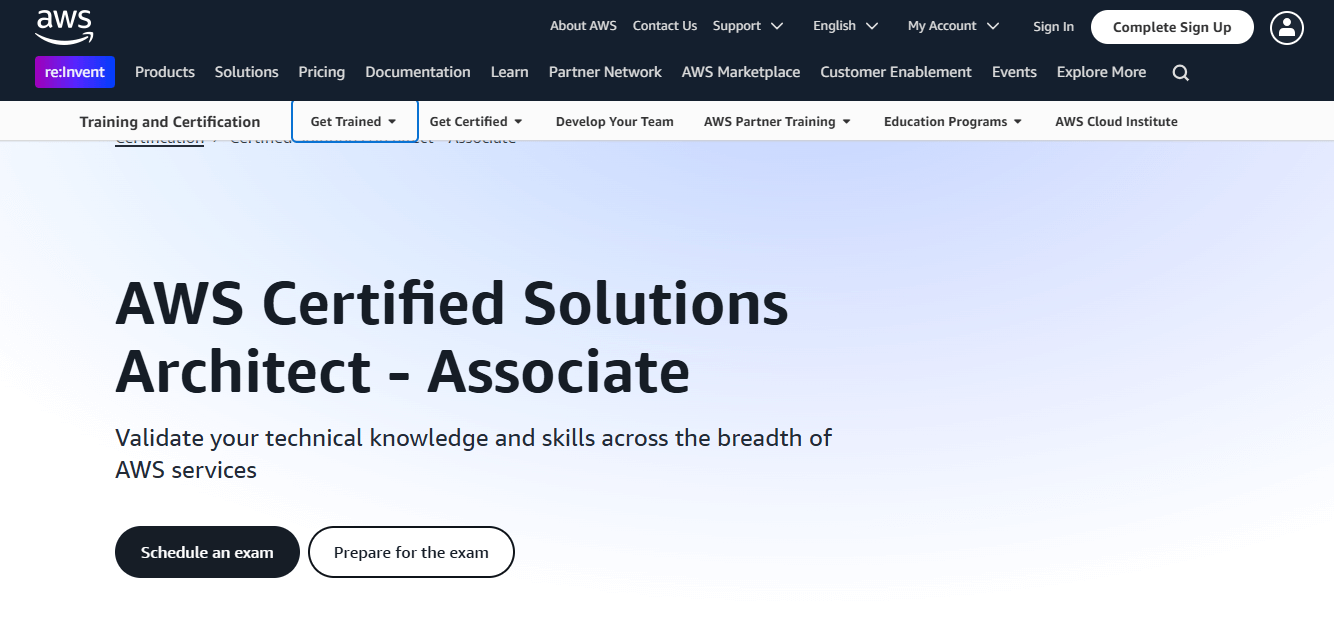
The AWS Solution Architect Associate Certification is one of the most popular certifications in cloud computing. It tests your ability to design secure, scalable, and cost-effective cloud solutions. Many people ask, “How much time do I need to prepare?” The answer depends on your background, experience, and study approach.
In this detailed guide, we will explore everything you need to know about preparing for this certification, divided into four well-structured sections:
Section 1: Understanding the Certification and Setting Goals
What Is the AWS Solution Architect Associate Certification?

This certification validates your skills in:
- Designing Cloud Architectures: You learn to design scalable, fault-tolerant systems using AWS services.
- Selecting AWS Services: You choose the right service for specific use cases, balancing performance and cost.
- Ensuring Security and Reliability: You design systems that are secure and recover quickly from failures.
It’s a foundational certification, ideal for beginners in cloud computing and IT professionals looking to enhance their skills.
Who Should Take This Certification?
This certification is perfect for:
- IT Professionals: System administrators, developers, or network engineers moving to the cloud.
- Beginners: People with no prior cloud experience but who want to start a career in AWS.
- Students: College graduates aiming for roles in cloud computing.
How Long Does It Take to Prepare?
The time required varies:
- Beginners: 3–4 months (2–3 hours daily).
- Intermediate Learners: 2 months (1–2 hours daily).
- Experienced Professionals: 3–4 weeks (focused preparation).
Factors affecting preparation time:
- Background Knowledge: If you understand networking, databases, or virtualization, you’ll learn faster.
- Consistency: Regular study habits are more effective than cramming.
Setting SMART Study Goals
To succeed, set SMART goals:
- Specific: “I will study EC2, S3, and IAM this week.”
- Measurable: “I will complete 3 mock tests by the end of the month.”
- Achievable: Start with basic concepts if you’re a beginner.
- Relevant: Focus only on AWS-related topics.
- Time-Bound: “I will take the exam on [specific date].”
Section 2: Creating a Study Plan
A clear study plan will help you stay organized and cover all topics.
Step 1: Understand the Exam Blueprint
AWS provides an exam guide that lists topics and their weightage. Key areas include:
- Design Resilient Architectures (30%)
- High Availability (HA) designs using Auto Scaling and Load Balancers.
- Multi-AZ and Read Replica setups for databases.
- Design High-Performing Architectures (28%)
- Choosing the right compute (EC2, Lambda) and storage services (S3, EBS).
- Design Secure Applications (24%)
- IAM, KMS, Security Groups, and encryption practices.
- Cost-Optimized Architectures (18%)
- Using AWS pricing models, Reserved Instances, and Savings Plans.
Step 2: Allocate Weekly Time
For Beginners (12 Weeks):
- Week 1–4: Learn core AWS services (EC2, S3, RDS, IAM).
- Week 5–8: Focus on networking (VPC, Subnets) and security (KMS, IAM policies).
- Week 9–11: Take practice labs and mock tests.
- Week 12: Revise weak areas and review notes.
For Experienced Learners (6–8 Weeks):
- Spend the first half revising core concepts.
- Dedicate the second half to hands-on practice and mock exams.
Step 3: Use Effective Study Methods
1. Video Courses
Platforms like Udemy or A Cloud Guru offer structured courses with labs.
- Best for beginners to understand AWS concepts visually.
2. Documentation and Whitepapers
Read AWS whitepapers like:
- Well-Architected Framework
- AWS Security Best Practices
3. Hands-On Practice
- Use the AWS Free Tier to create EC2 instances, S3 buckets, and VPCs.
- Follow step-by-step labs on qwikLABS.
Section 3: Overcoming Challenges
1. Lack of Hands-On Experience
Challenge: Theory alone is not enough to pass this exam.
Solution:
- Spend 30–40% of your preparation time practicing on the AWS console.
- Perform common tasks like creating IAM roles or setting up Auto Scaling.
2. Struggling with Networking and Security
Challenge: Many find VPC, Subnets, and Security Groups confusing.
Solution:
- Watch tutorials dedicated to networking basics.
- Use diagrams to visualize network architecture.
3. Managing Time Effectively
Challenge: Balancing work, life, and studies can be difficult.
Solution:
- Use time management techniques like the Pomodoro Method.
- Study for 25 minutes, take a 5-minute break, and repeat.
4. Staying Motivated
Challenge: It’s easy to lose interest midway.
Solution:
- Join AWS study groups or forums for support.
- Reward yourself after achieving milestones (e.g., completing a mock test).
Section 4: FAQs and Final Advice
FAQs
1. How Many Hours Should I Study Each Day?
- Beginners: 2–3 hours.
- Intermediate learners: 1–2 hours.
- Experienced professionals: 30 minutes to 1 hour.
2. What’s the Exam Fee?
The AWS Solution Architect Associate exam costs $150 USD.
3. What Are the Passing Marks?
You need a score of 720/1000 to pass.
4. Can I Pass Without Cloud Experience?
Yes, with dedication and consistent effort, beginners can pass in 3–4 months.
Final Advice
Success in the AWS Solution Architect Associate exam depends on:
- Regular Practice: Focus on hands-on learning.
- Mock Tests: Take at least 5 full-length tests before the exam.
- Time Management: Stick to your schedule and avoid last-minute cramming.
With the right mindset and resources, you’ll not only pass the exam but also gain valuable skills for your career. Good luck!




Leave a Reply
You must be logged in to post a comment.