
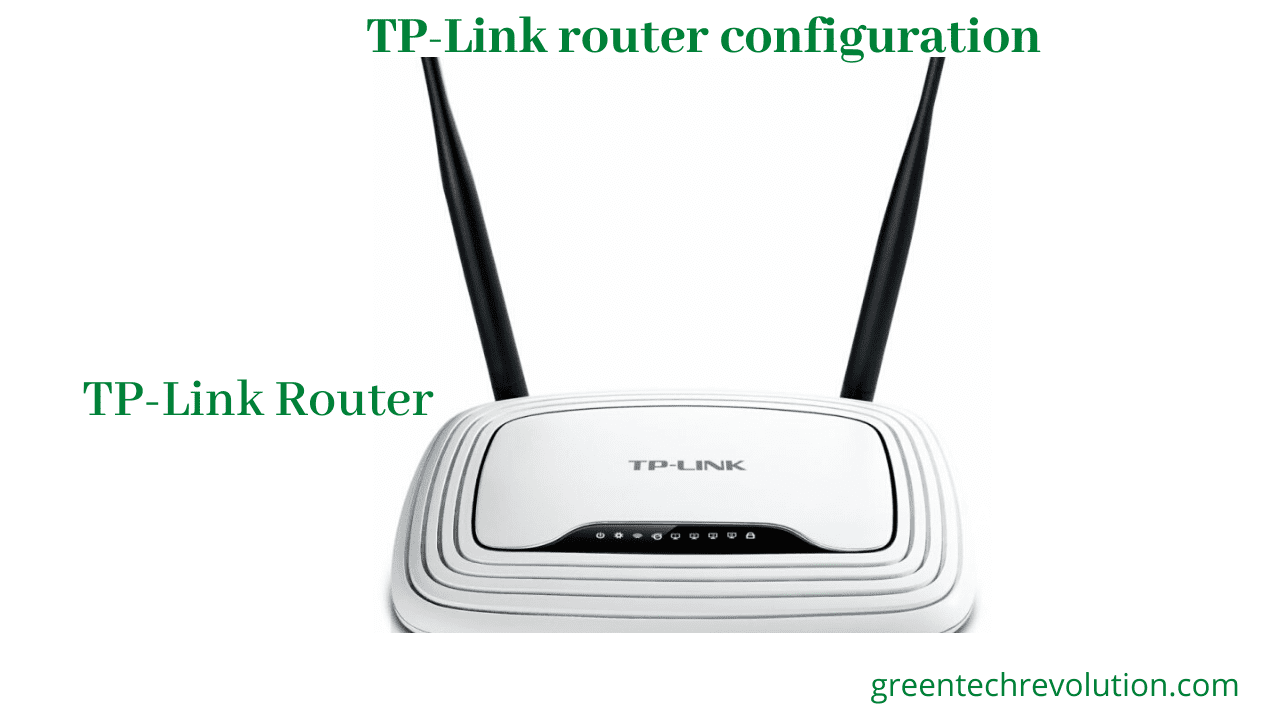
TP Link router configuration || Router setup

Published:

Updated:

Author:

TP Link router configuration

we can use WiFi and Local Area Network with TP-Link  Router.suppose Internet service provider(ISP) has given ( IP,GW,Subnet mask and DNS) or user name and Password or DHCP system.if ISP are give us ( IP,GW,Subnet mask and DNS) then we will configure TP Link router. let’s go and following step: TP Link router configuration:

WAN site configure(step1 to Step2)

 Step1: any browser open and Gateway browse 192.168.0.1 press user name=admin and password=admin > Quick setup >select static IP > Next

step2: click WAN > select Static IP > IP Address=192.168.1.15, Subnet mask=255.255.255.0, Gateway=192.168.1.1 and DNS1=202.191.120.2, DNS2=8.8.8.8 > Save

LAN Site configure

Select Network > LAN > IP Address=192.168.0.1 subnet mask=255.255.255.0 and DHCP Enable  > Save

WiFi configure

 Step1: Wireless > Wireless Network Name: Black Dimond WiFi zone( you can write any name) > Region = United States > Mode=11bgn mixed > Channel Width =40MHz > Auto > Enable SSID Broadcast > Save

Step2: select WPA/WPA2 -personal > Version > WPA2-PSK > Encryption =automatic > Password=1234567 > Save+ok


Now you can use Internet with WiFi router..


Leave a Reply

Blog Posts

  • 5 Best Range for WiFi Router: Boost Your Home Network!

    5 Best Range for WiFi Router: Boost Your Home Network!

    Ever find yourself stuck in a “WiFi dead zone” in your own home? Maybe your streaming cuts out during a crucial moment, or your video call keeps freezing. It’s frustrating, right? A powerful WiFi signal is the backbone of any modern smart home, and for that, you need a router with excellent range. Whether you’re

    Read more

  • 7 Best Router for Comcast WiFi Boost Your Home Network!

    7 Best Router for Comcast WiFi Boost Your Home Network!

    Are you tired of sluggish internet speeds, dead zones, or constantly buffering streams with your Comcast Xfinity service? It might be time to ditch that old, rented modem/router combo and invest in one of the best routers for Comcast WiFi. Upgrading your equipment can significantly improve your home network’s performance, expand your wireless coverage, and

    Read more

  • 10 Best Router for Congested WiFi: Say Goodbye to Slow Speeds!

    10 Best Router for Congested WiFi: Say Goodbye to Slow Speeds!

    Ever feel like your internet is stuck in rush hour? You’re trying to stream your favorite show, your kid is gaming online, and someone else is on a video call – suddenly, everything grinds to a halt. We’ve all been there. A slow, laggy connection often isn’t your internet service provider’s fault; it’s often a

    Read more

